> ## Documentation Index
> Fetch the complete documentation index at: https://docs.atomicnetworks.co/llms.txt
> Use this file to discover all available pages before exploring further.
# How to Add Custom Map to Rust Server
> Learn about how to add a custom map to your Rust Server with this easy to follow guide.
**Last Updated 3/16/24**
Adding a custom map to a Rust server is a unique way to stand out from the crowd. This guide will detail how to find, upload, and configure a download link for a custom map that you can paste into your server config for your Rust server.
To add a custom map to a Rust server:
There are lots of places you can find custom Rust maps.
If you are looking for highly custom, high quality maps we'd recommend [https://codefling.com/maps](https://codefling.com/maps)
If you are looking for free custom rust maps, you can find a few at [https://lone.design/free-custom-rust-maps/](https://lone.design/free-custom-rust-maps/)
Want to make your own? Follow the video tutorial below to get started!
In order to set up the map as a download link, you will need to have the file locally available on your computer.
Click [here](https://panel.atomicnetworks.co/login) to navigate to Atomic Panel. You can log in using your account credentials that you received following checkout. The credentials email is sent to the email address on file in the Billing Panel.
If you're not a current Atomic Networks client, [get started on a Rust server](https://atomicnetworks.co/rust-server-hosting) in less than half an hour. If you're already hosting with another Rust service, see [how we offer way more for way less.](https://atomicnetworks.co/rust-server-hosting)
In order for the changes to be active, you will need to stop and restart your server once you are done.
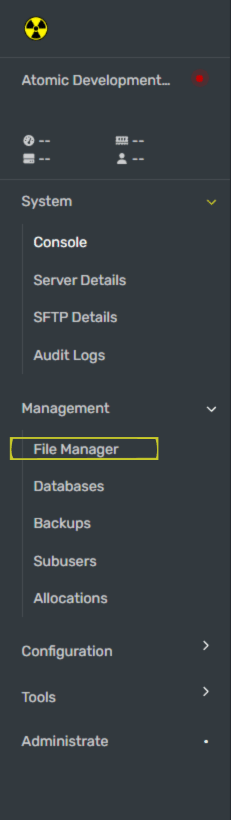
1. Go to the file pathway `home/container/mapfolder/`
2. Upload your `.map` file in this pathway.
3. Note the full file pathway of your newly uploaded .map file. You will need this later.
Example: The pathway for a map file named mymap.map would be `home/container/mapfolder/mymap.map`
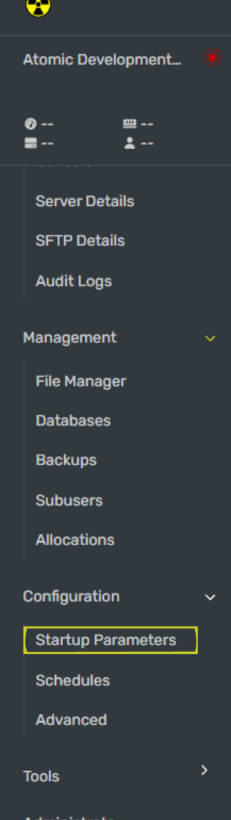
With the file pathway you noted from Step 5, paste it into the Custom Map URL box. Put `file:///` before the pathway. This tells the server to check your files for the custom map file.
Example: The pathway `home/container/mapfolder/mymap.map` turns into `file:///home/container/mapfolder/mymap.map` in the Custom Map URL box.
Once you have configured your custom map download path, restart your Rust server for the map to be updated.
Congratulations! You have successfully added a custom map!
Still having issues? Contact our support at [https://billing.atomicnetworks.co/submitticket.php](https://billing.atomicnetworks.co/submitticket.php)